

By Grumpy UX Designer
Your Landing Page Roast 🔥
https://saasify-colorlib.pages.dev/
UX score
UX-quality weighted
Verdict
This landing page is a hot mess of misplaced priorities and confounding choices. Just like a bad date, it has its moments, but ultimately leaves you questioning your life choices. It needs a good slap of clarity and consistency!
Where the UX fails
This navigation looks like it can’t decide whether it wants to be bold or blend in. Spoiler: it’s doing neither.
mediumnavigationThe navigation links need better contrast and organization to ensure they stand out and guide users effectively.
Fix
Increase the contrast for the navigation elements and consider reordering them to promote a more intuitive flow.

This navigation feels exclusive—it’s like only the cool kids can see it. Sorry, mobile users, better luck next time!
spicynavigationThe primary navigation disappears on mobile, which forces users to search for ways to explore other pages.
Fix
Ensure that the navigation is visible and usable on all devices. A mobile-friendly version is non-negotiable.

This nav is in hiding like it’s playing peekaboo. Hey, mobile users want a snack too!
spicynavigationNavigation disappears on mobile, effectively making it a game of 'who can find the links?' which no one asked for.
Fix
Implement a responsive design that keeps the navigation accessible, even if it’s in a compact hamburger menu.

A navigation trying out for a romantic comedy: it’s here, but boy does it leave you feeling lost in confusion!
mediumnavigationThe desktop navigation items are perfect for a simple breakdown, yet they seem to blend into the background instead of guiding users specifically where they need to go.
Fix
Enhance contrast and readability, or consider making it sticky so it remains in view while users scroll.

Ah, the navigation—your sidekick that decided to ghost halfway through. Why hide it on mobile? Users need help navigating, not a scavenger hunt.
spicynavigationThe desktop navigation is great, but it disappears for mobile, leaving users unsure of where to go.
Fix
Ensure the navigation is accessible on all devices, even if it has to collapse into a hamburger menu; just keep it visible!

This navigation bar is as lost as a tourist without a map. Why pretend to hide it on mobile? Just let it shine!
spicynavigationThe navigation disappears for smaller screens, leaving users stranded without options to explore the site.
Fix
Make the navigation accessible on mobile, even if it means using a hamburger menu to keep it compact.

Oh great, another header that looks like it got lost in a styling debate. Is it bold or is it just confused?
mediumreadabilityThe size and weight of the header create an imbalance with the surrounding text, which diminishes its impact and readability.
Fix
Simplify the styling so it communicates its importance without trying too hard; consider a more conventional weight for clarity.

Ah, the classic bold header—trying its hardest, but this one looks like it's been through a recycling machine.
mediumreadabilityThe visual contrast against the background is lacking, making it blend in rather than stand out, leading to potential confusion.
Fix
Increase contrast with the background to enhance visibility or consider using different styling to attract attention.

This heading looks like it’s trying to be profound but ends up being more of a confused whisper. Do you even want us to read it?
mediumreadabilityThe color contrast between the header and the background lacks the necessary pop to grab the user's attention, making it hard to read at a glance.
Fix
Enhance the contrast or consider using a bolder color to make it stand out. Your users shouldn't need binoculars to read your main message.

Oh look, typography that tried to go on a diet but forgot to lose weight. Bold and beautiful, but the word 'faster' is practically yelling, while the rest is just mumbling.
mediumreadabilityThe header's mixed font weights can confuse readers and distract from the message. It undermines the overall harmony.
Fix
Consider a consistent font weight that better balances the emphasis on key phrases.

Look at that heading trying to flex but still somehow looks like it's trying too hard. 'Faster than ever' is like a cheesy pickup line.
mediumreadabilityThe contrast between the bold text and the background is underwhelming, making it challenging to read. The hierarchical breakdown isn't clear enough.
Fix
Increase the contrast to make the text pop and emphasize the important parts more effectively.

Is this heading trying to impress or just showing off? The gradient on 'faster than ever' looks like it's auditioning for a techno music video.
mediumreadabilityThe use of gradient text with bold type feels cluttered and might confuse users rather than emphasize the message.
Fix
Consider simplifying or using a more legible font that highlights key messages without conflicting visual elements.

These background elements went wild with the opacity! It’s like they decided to steal the spotlight from the actual content. Get a grip!
spicyresponsivenessThe complex background overlays can confuse users and obstruct key content, particularly on smaller screens.
Fix
Tone down or redesign the backgrounds for smaller screens to prioritize content clarity and usability.
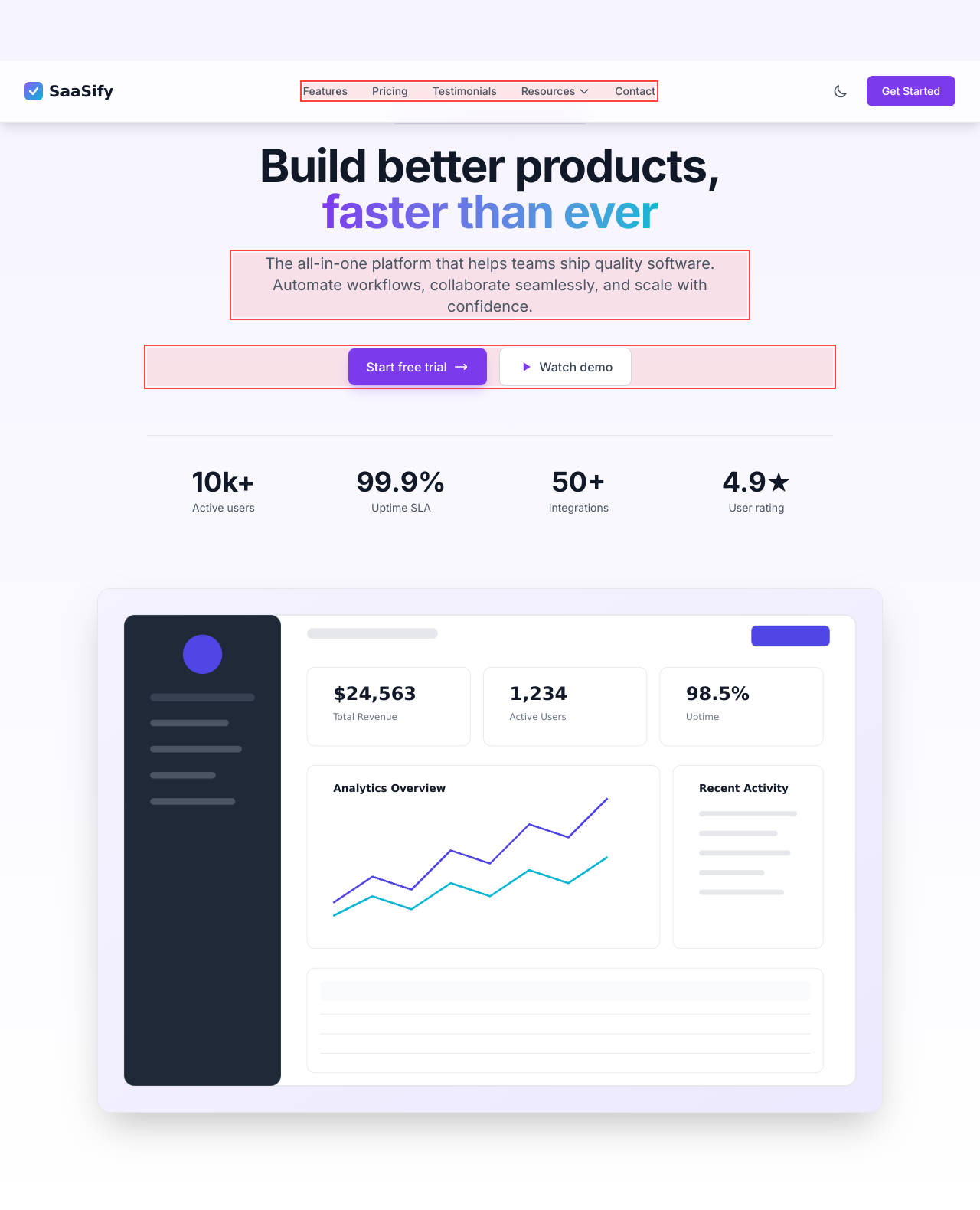
Looks like the background is having an elaborate identity crisis. Less is more, buddy!
spicyresponsivenessThe complex background elements overwhelm the main content, especially on smaller devices, leading to a clunky user experience.
Fix
Simplify or reduce background distractions for smaller screens to improve content legibility without compromising aesthetics.
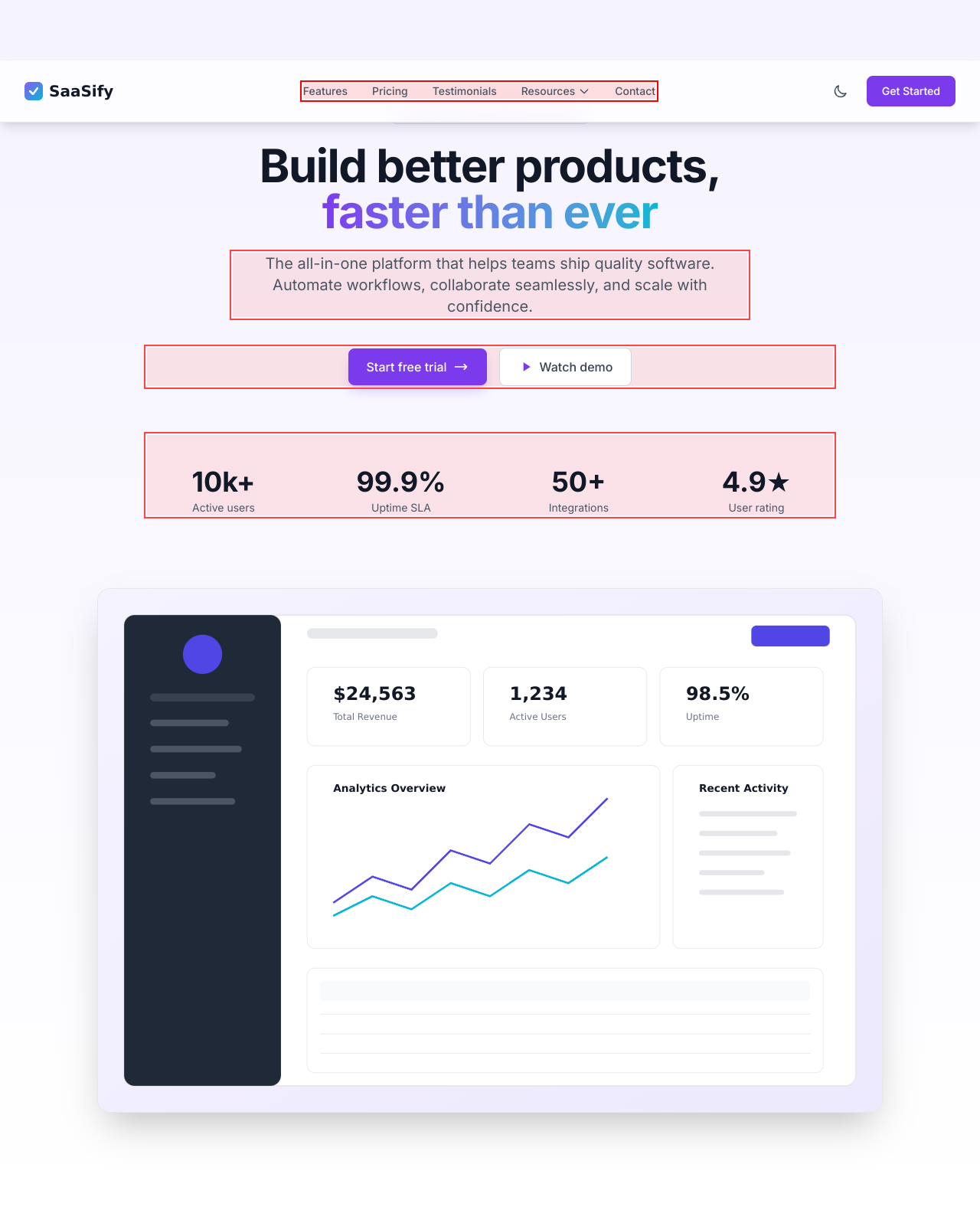
Oh look, the background elements are throwing a rave! Unfortunately, they’re drowning out the content. Focus, people!
spicyresponsivenessThe busy background can overwhelm the primary content, especially on smaller screens, leading to a frustrating reading experience.
Fix
Simplify or lessen the background effects, especially for mobile users, to enhance readability and user engagement.
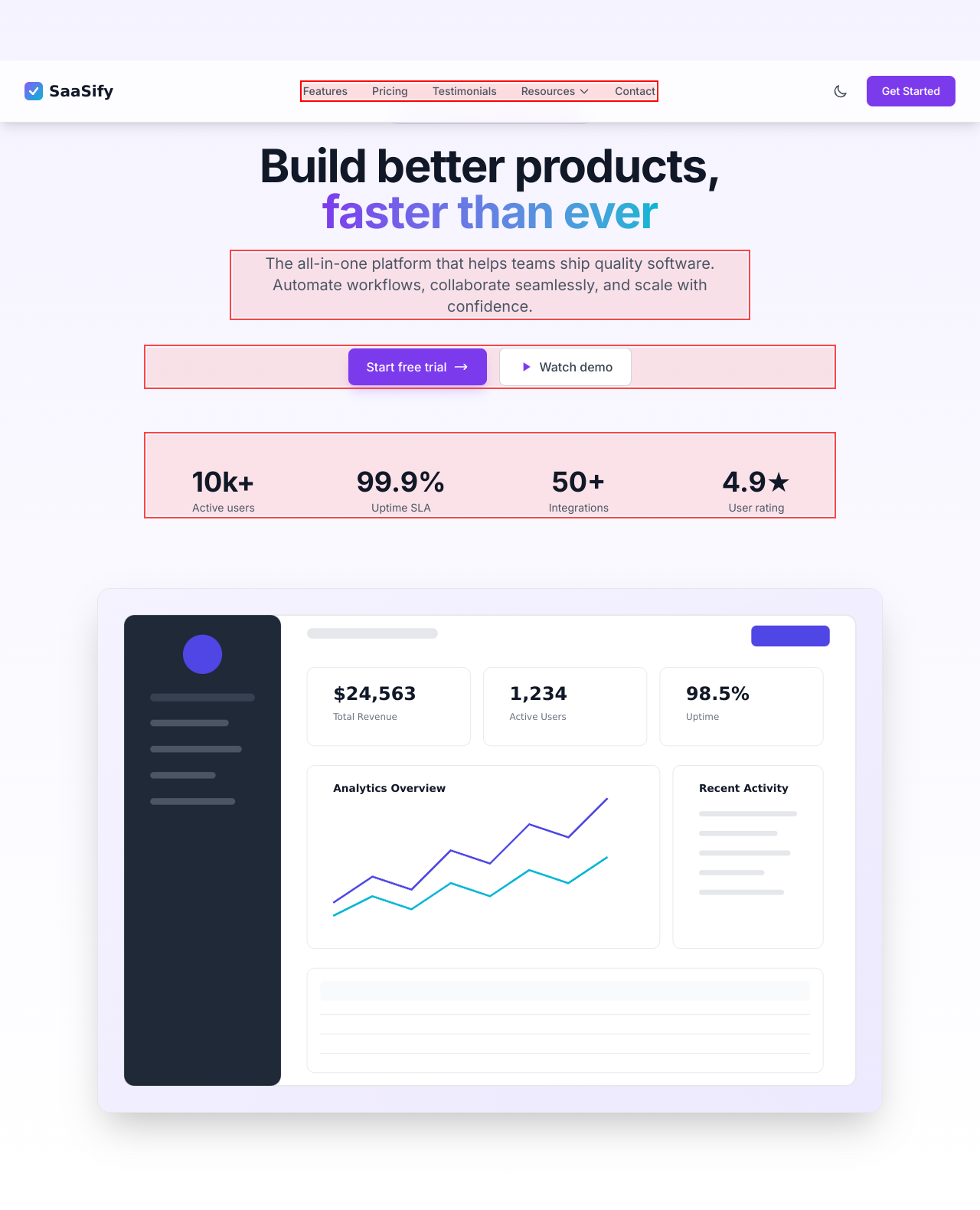
Wow, blending backgrounds, but it seems like we dialed up the dramatic flair while forgetting to make it mobile-friendly. Sloppy!
spicyresponsivenessThese overlapping background elements could lead to a jumbled mess on smaller screens, making the content feel cramped, confusing, and hard to read.
Fix
Make sure media queries adjust these elements suitably for smaller devices to enhance readability.
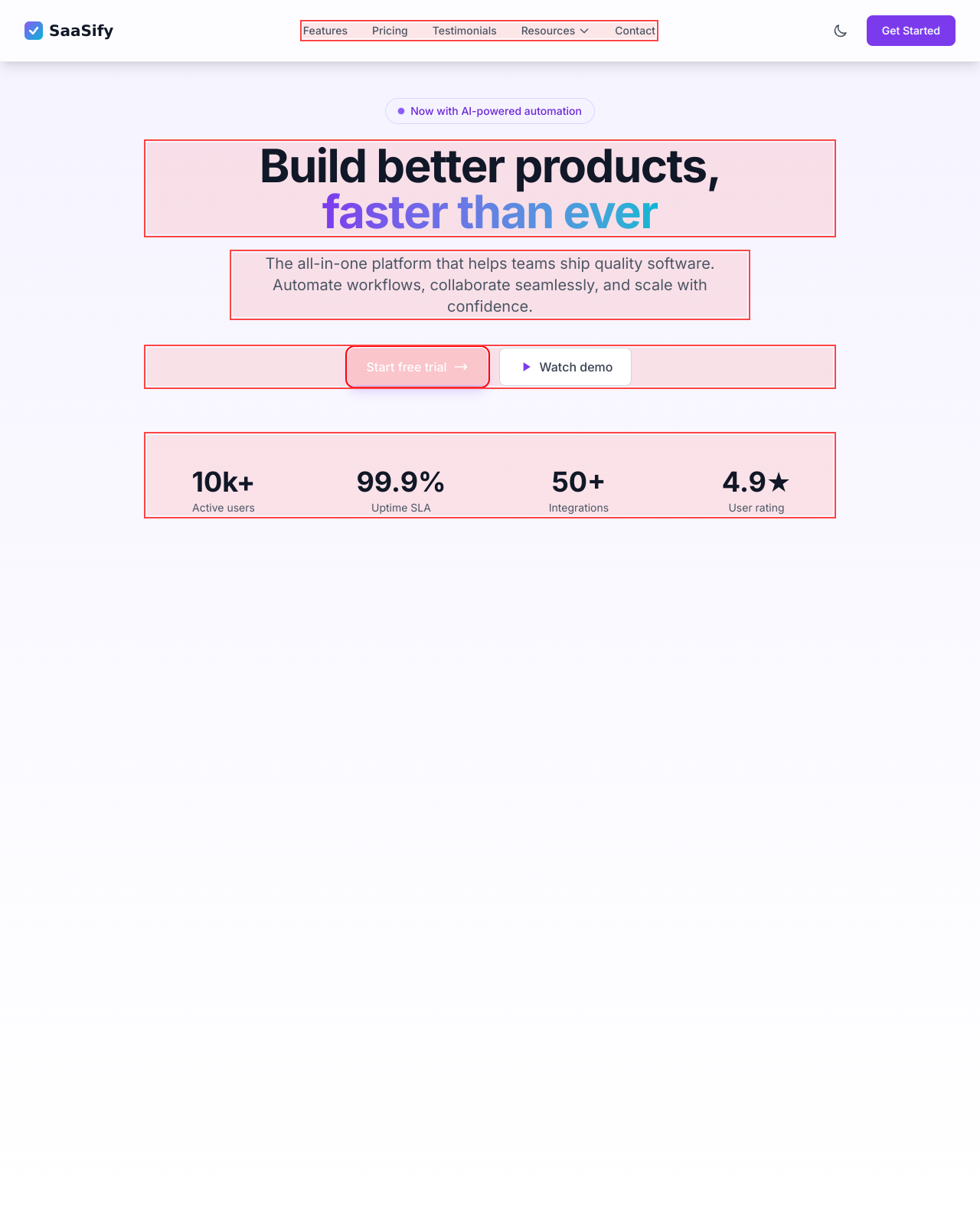
Those background elements look like they stumbled into a rave party. Great vibe, but let's tone it down for readability.
spicyresponsivenessThe overwhelming visual elements on smaller screens can distract and obscure the core content, making it feel cluttered.
Fix
Adjust the backgrounds to minimize distraction or completely simplify them for smaller screens.
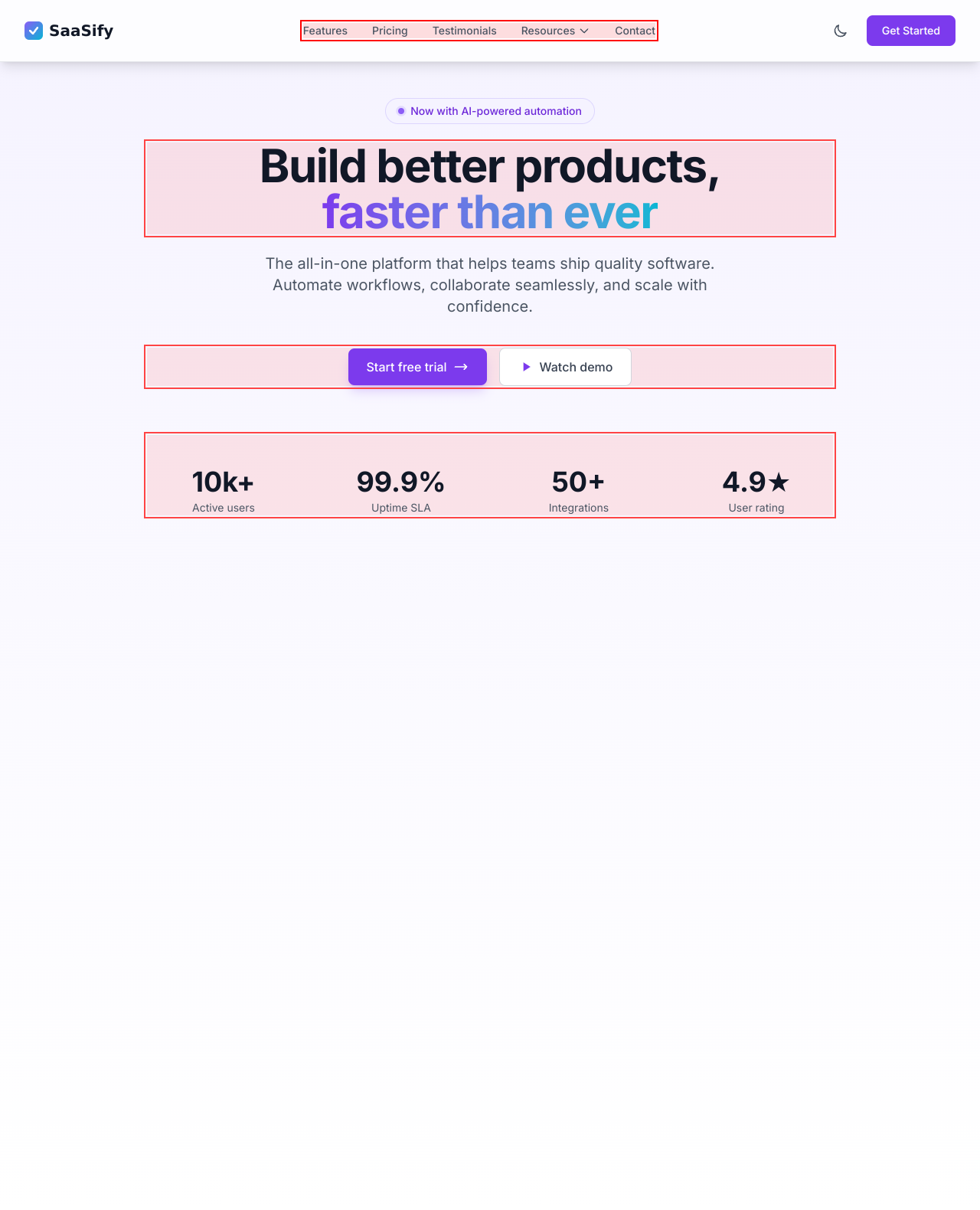
Cool visuals, but this background's just crashing the party. These overlays might look good, but they're distracting from the content.
spicyresponsivenessThe complex background elements could detract from the overall clarity and focus, especially on smaller screens where users might struggle to read.
Fix
Simplify or remove background distractions for smaller screens to prioritize content readability.
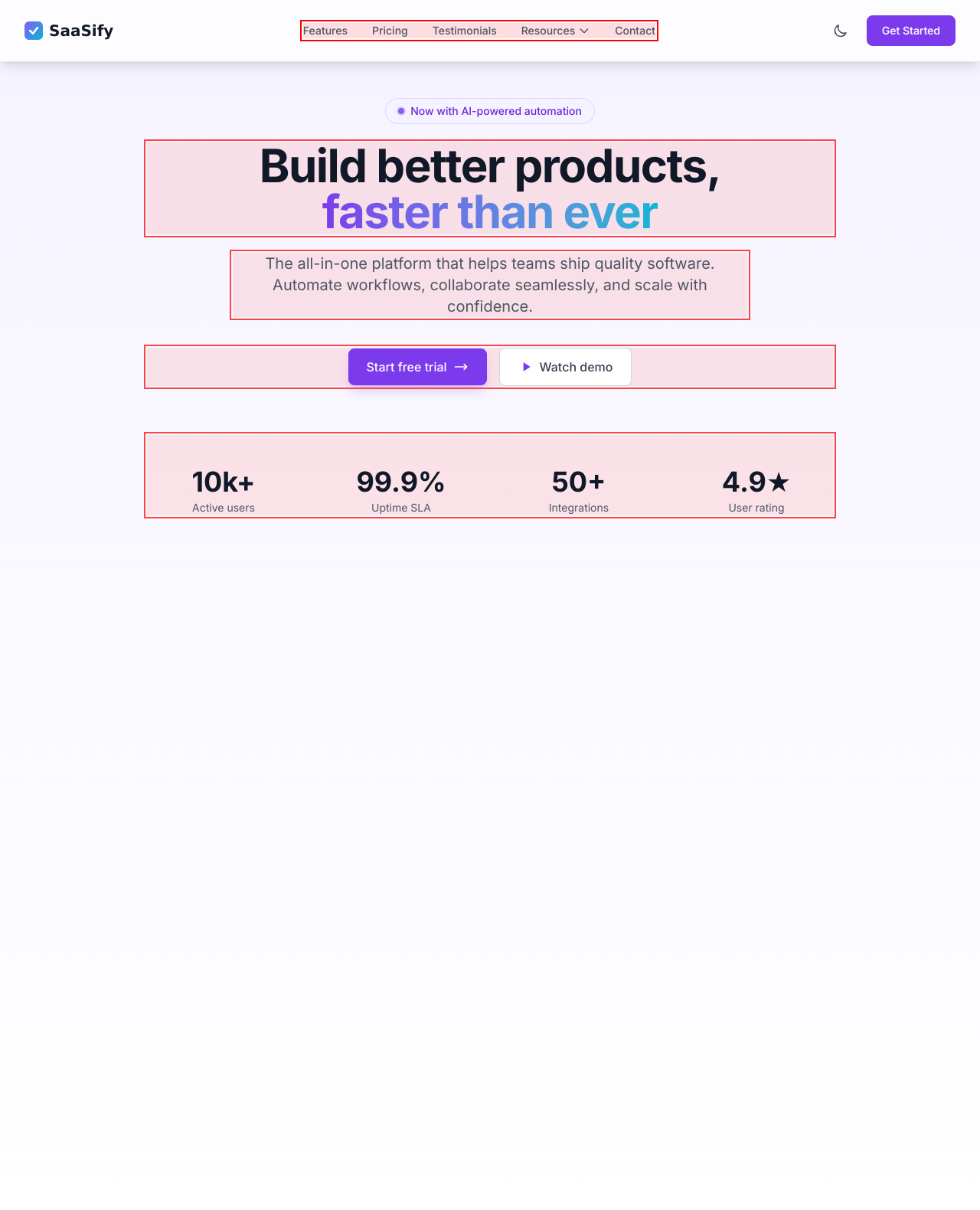
Well, this text made a valiant attempt at clarity, but instead, it got lost in cloud nine of vague marketing jargon. Cringe!
mediumhierarchyThe paragraph's messaging isn’t grounded; it’s too abstract and lacks directness, causing a disconnect with what the product truly offers.
Fix
Narrow down the language to be more specific about how users can benefit and what sets you apart to create a connection.

This toggle button is the shy kid at the party—never really clear on what it's switching. I'm not a mind reader!
spicyinteractionWhile toggles can be a great UI element for switching billing options, the lack of clear labeling and state indication makes it confusing for users.
Fix
Label the toggle with clear instructions on what it does and ensure the state changes are communicated effectively to users.

Two call-to-action buttons? It’s like watching two friends battle for the last slice of pizza—awkward and unnecessary!
mediuminteractionThe presence of both 'Start free trial' and 'Watch demo' distracts from making a straightforward choice, which could confuse users.
Fix
Choose a single, dominant call-to-action and reduce the emphasis of the other to guide your users effectively.

A 'Get Started' button that’s shy and hiding behind a 'hidden' class? Talk about commitment issues. It's hardly visible!
spicyinteractionThe 'Get Started' button is hidden on smaller screens, leaving users without a clear path to engage with your platform.
Fix
Make this button consistently visible across all devices to facilitate user engagement from any screen size.

Does this button even know what it’s meant to toggle? I have to ask—with all the excitement of finding a hidden gem.
mediuminteractionThe mobile menu button has an aria-expanded state that's set to false without clearly indicating what it intends to toggle. Confusing!
Fix
Make sure that this button clearly indicates what it's toggling, both visually and textually.
Dual CTAs competing like they're on a dating app. No one wants to date two buttons at the same time!
mediuminteractionHaving both 'Start free trial' and 'Watch demo' in close proximity can confuse users and result in decision paralysis.
Fix
Choose one primary action for users to focus on, making that path clear and enticing while integrating the other option in a less prominent way.

Two buttons competing for attention? It's like 'Who wants to be a millionaire?'—only no one wants to play!
mediumconversionHaving multiple calls to action right next to each other can leave users undecided and hesitant to click any of them.
Fix
Focus on one main call-to-action and downplay the alternate one by repositioning it or reducing its prominence to guide users effectively.

Two calls to action fighting for attention? It’s like having two people shout the same command in a crowded mall—no one knows what to do!
mediumconversionHaving both 'Start free trial' and 'Watch demo' right next to each other can create confusion rather than guiding users to a clear choice.
Fix
Streamline to a single clear call-to-action, with the secondary action available, but less prominent. Focus users’ attention.

Wow, impressive numbers! But what do they even mean? It’s like pulling out a trophy with no context at a talent show.
mediumconversionStats like '10k+' and '99.9%' are impressive but lack context that explains their importance to potential users.
Fix
Include brief descriptions alongside numbers to help users understand the significance and reliability of these stats.

Great numbers here, but they're like a magician's trick—fun to look at but meaningless without the context!
mediumconversionThe stats displayed lack explanation, leaving users questioning their validity and relevance.
Fix
Include context or brief explanations under each stat to help users understand its significance and enhance trust.

You put 'Start free trial' and 'Watch demo' next to each other and thought, 'What could go wrong?' It’s like having two pastries at a diet meeting.
mediumconversionBoth CTAs dilute the focus, causing users to hesitate instead of selecting one clear action.
Fix
Choose one primary action per section; consider combining the options into a single clear CTA with conditional wording, like 'Try for Free or Watch a Demo'.

The dual CTA buttons are like two best friends who can’t decide who gets the last slice of pizza. Result? No one eats!
mediumconversionHaving two CTAs side by side can confuse users about where to focus their attention, diluting conversions.
Fix
Prioritize one clear call-to-action and integrate the other into its focus—helping users choose without thinking.

10k+, 99.9%, 50+, 4.9★—sounds impressive at first, but it needs more than just numbers dressed in fancy text to sell itself.
mediumconversionThe stats shown lack contextual information or tangible results that could enhance user assurance and trust.
Fix
Pair numbers with short explanations to validate credibility, such as 'Trusted by over 10,000 users worldwide'.

Metrics galore! But they just sit there like wallflowers at a party. Where's the punch? These stats need context!
mediumconversionDisplaying numbers without context leaves potential users wondering what significance these stats hold.
Fix
Pair each metric with a brief description explaining its relevance, helping establish trust and credibility.

UX scorecard
| Metric | Score | |
|---|---|---|
| Navigation | 40 | |
| Readability | 55 | |
| Responsiveness | 35 | |
| Hierarchy | 50 | |
| Interaction | 45 | |
| Conversion | 60 |
Wins & fails
The color palette is fresher than a morning smoothie, giving a decent first impression!
At least they include a plethora of stats—nothing like some number bling to distract from the chaos.
The section titles are loud and proud, even if the clarity is questionable!
The layout could be worse—everyone enjoys a bit of spaciousness, right?
I commend the attempt at responsiveness, even if the execution falls flat.
The navigation is as useful as a chocolate teapot on mobile—good luck finding anything!
Readability? More like read-ability-so-poor-it-makes-you-blind!
Two calls to action, and yet I still feel all alone and confused.
The background visuals are an overzealous party host, drawing attention away from the guests—aka, your content!
Buzzwords are everywhere! I almost expect a corporate jargon award to be given out soon.
Each metric shines as bright as a diamond, yet nobody knows what they really mean.
Consistency is key, and boy, does this site need a locksmith!