

By Grumpy UX Designer
Your Landing Page Roast 🔥
https://www.cheapui.com/
UX score
UX-quality weighted
Verdict
A classic case of missed connections—where text hides, buttons contemplate invisibility, and navigation embarks on a quest with no clear path.
Where the UX fails
Pointer-events none? How innovative! Truly an award-winning strategy for not letting anyone interact with anything.
spicynavigationThis design decision renders the user unable to interact with the section, potentially losing conversions or engagement.
Fix
Revisit interactive elements to ensure accessibility and responsiveness, especially in critical sections.
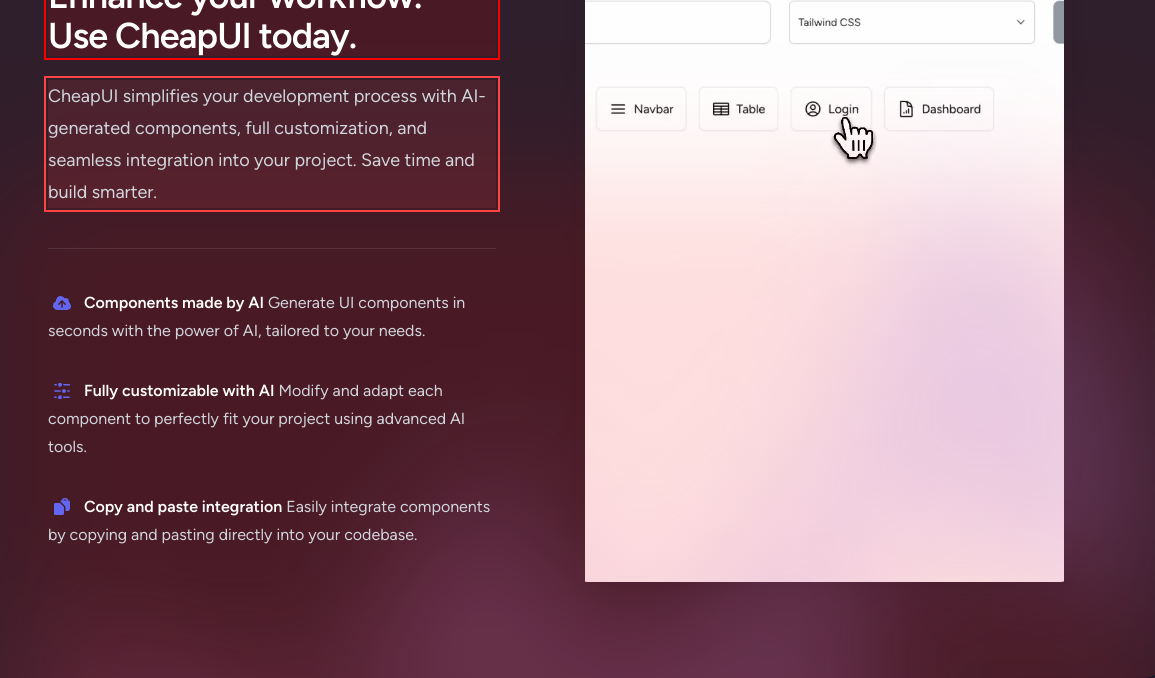
Ah yes, hidden menus. When users are dying for an excuse to play hide and seek.
mediumnavigationKey navigation links like 'Plans' and 'Feature' are hidden by default unless you have a wide screen. Users might not even notice they are there.
Fix
Ensure navigation is always visible or provide a clear prompt to expand the menu for mobile users.

Navigating this section feels like a road trip without a map. Stop hiding potential calls-to-action like a treasure hunt!
spicynavigationThe section lacks clear navigation links or indicators, making it difficult for users to know where to click or what action to take.
Fix
Add clear navigation prompts or CTAs that guide users towards interacting with different sections effectively.
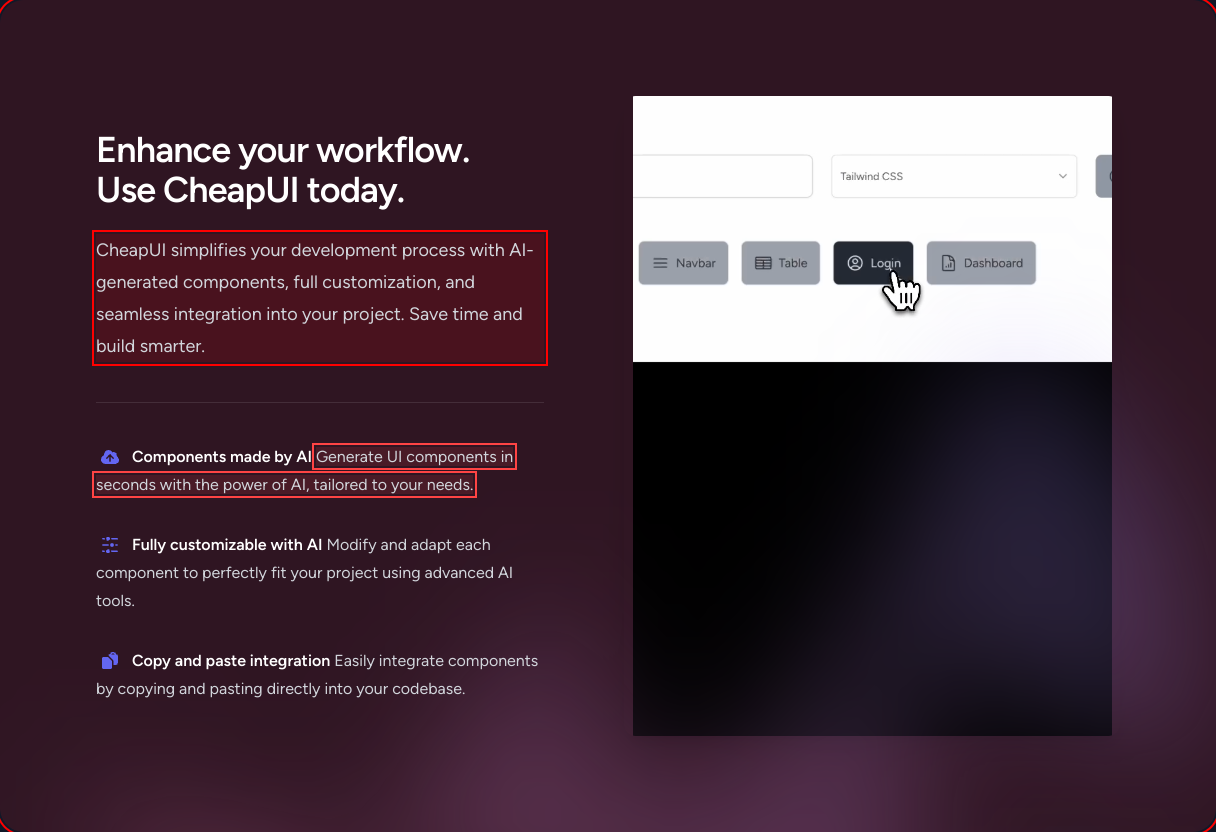
Drop-down like interaction without any drop? A bold interpretation of intuitive navigation!
mediumnavigationLacks clear visual cues that questions within the FAQ can be interacted with for further information.
Fix
Add interactive elements such as arrows or highlights to suggest expand/collapse functionality of FAQ items.

A minimalist layout or just low-budget chaos? Finding a coherent path through these is like navigation simulation.
mediumnavigationThe footer's navigation layout is poorly structured, causing users to overlook, misclick, or miss available links altogether.
Fix
Organize footer links in a grid or distinct columns to help users easily comprehend and access information.

Ah, the joys of inline descriptions camouflaged against a gloomy backdrop—easiest way to reduce reader engagement.
mediumreadabilityThe inline text fails to stand out due to minimal contrast and inappropriate spacing, leading to a weak presentation of bullet-point contents.
Fix
Use better spacing and contrast to make these points easily readable and inviting.

Reading that sub-text feels like trying to find plot in a Michael Bay movie. Good luck.
spicyreadabilityThe 'Design smarter, build faster...' paragraph is hard to read due to low contrast against the background, making it easy to overlook.
Fix
Increase the contrast for this text to make it legible and serve its purpose of conveying core benefits.

Slate on white—a classic combo... for making text feel like it's under an invisibility cloak.
mildreadabilityThe button text lacks sufficient contrast against its background, reducing clarity and readability.
Fix
Consider changing the button text color to a brighter shade for better readability.

Ah yes, gray on gray, the universal symbol for 'I have something to say but it’s not that important.'
mediumreadabilityThe paragraph text blends into the background, making it difficult for users to read and understand the information provided.
Fix
Use a lighter shade to increase text visibility and make it more readable.
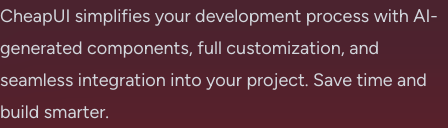
Reading this text is more of a guessing game than a welcoming layout. Light gray stands strong—for being overlooked.
spicyreadabilityLow-text color contrast against the background reduces readability, hindering the user's ability to quickly absorb information about CheapUI.
Fix
Increase contrast or choose a darker shade to enhance readability and make key points easier to digest.
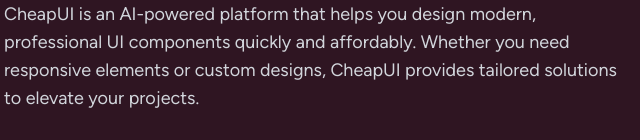
Ah yes, the classic strategy of camouflaging crucial information with a gray-out. Bold move!
spicyreadabilityLow contrast between the text and the background creates readability issues, making it difficult for users to absorb vital information.
Fix
Increase the text contrast by using a lighter color against the dark background for improved readability.
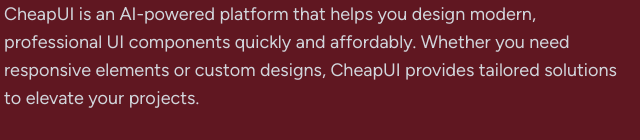
Gray on gray—turning essential information into digital camouflage since forever.
spicyreadabilityThe high density of gray color creates readability issues, especially crucial for users who need to comprehend terms of use and policy details.
Fix
Use higher contrast colors to ensure the text stands out from the background, improving readability and user engagement.

Responsive, you say? Looking more like resistance training—for my patience!
mediumresponsivenessThe section layout appears cluttered on smaller screens, compromising readability and user interaction.
Fix
Revise your layout design for smaller screens to enhance content accessibility.
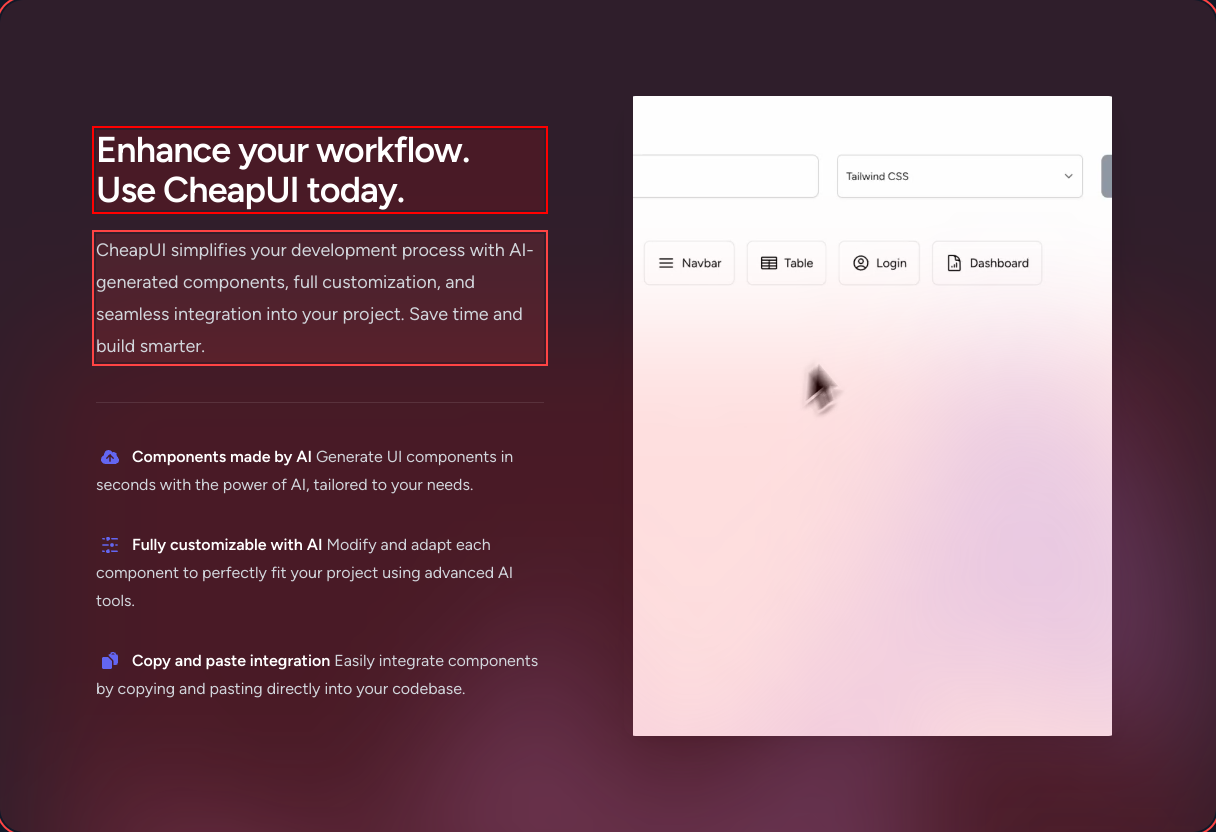
Mobile and desktop seem like distant cousins here. When did they last communicate?
mediumresponsivenessThe layout adapts awkwardly across different screen sizes, causing overlap and unnecessary scrolling on smaller devices.
Fix
Implement responsive design techniques to ensure smooth transitions and adaptability across varying device sizes.
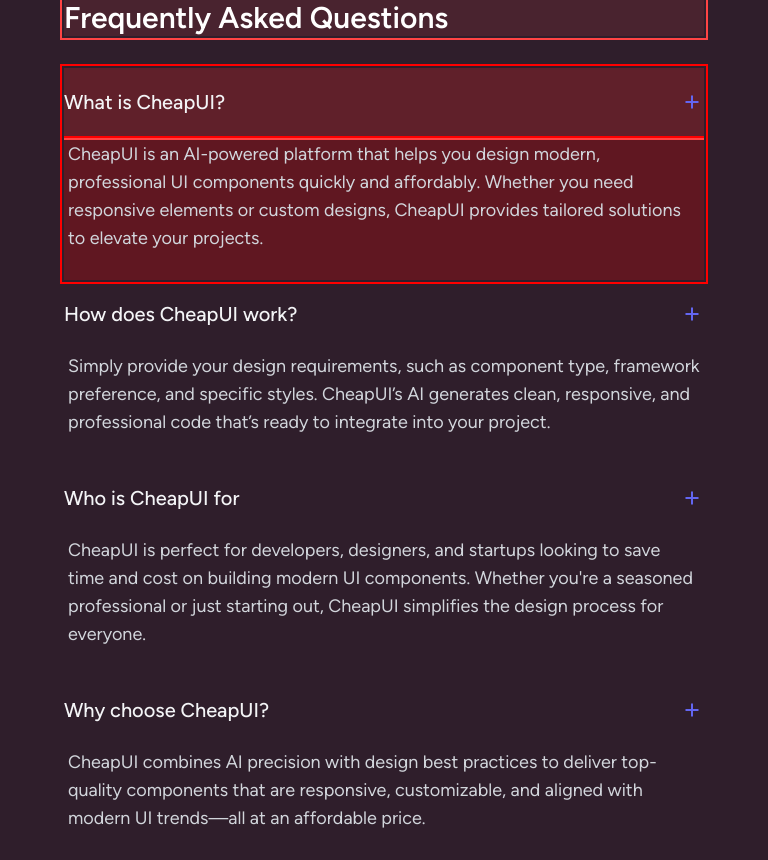
Pricing? Thought you meant ‘Pri’—that’s all I could see at first glance.
mediumhierarchyThe 'Pricing' heading blends into the background due to its low contrast and small font size, failing to establish itself as a key section in the hierarchy.
Fix
Increase the size and contrast of the heading to give it the prominence it deserves.

Oh, 'Design Smarter Build Faster,' you say? How about 'Hierarchies Clearer, Text Bigger'? Your header thinks it's a whisper in a loud room.
mediumhierarchyThe header text needs to command attention and establish hierarchy, but it's lost in a sea of competing mid-tones.
Fix
Give the header a dominant contrast or boldness to become the central focus as a proper hero title should.

Hierarchy just took a backseat ride! When everything is important, nothing is.
mediumhierarchyThis layout lacks clear visual hierarchy, causing users to struggle to determine which text or section is most important.
Fix
Prioritize content using size, color, and layout to guide users through the information effectively.

Another instance of 'FAQ'—Finally All Questioned—because your section heading is virtually invisible!
mediumhierarchyThe FAQ section heading lacks prominence due to its font size relative to adjacent elements, making it easy to overlook in the page hierarchy.
Fix
Boost the font size or use a different color for the heading to assert its importance over this section.

Headlines so understated they’ve become experts in whispering in a noisy room. Are we supposed to notice them?
mediumhierarchyThe section headers fail to stand out due to minimal visual emphasis, weakening their role in guiding users through the information.
Fix
Enhance the visual hierarchy by increasing the font size or using vibrant colors to make headings stand out.

Ah yes, the footer text—a masterclass in making legal terms look like a distant echo.
mediumhierarchyThe footer's text lacks contrast against the background and is too small, failing to give the necessary emphasis to important links and information.
Fix
Increase the font size and contrast of the text to ensure end-user clarity and easier navigation through important footer information.

Call-to-action buttons, more like call-to-sleepover: barely noticeable!
mildinteractionThe button lacks the visual prominence required to effectively drive user interaction.
Fix
Enhance button visibility with bold colors, shadows, or animations to prompt interactions.

'Take flight' with this subtle shadow? More like 'Stay grounded.' This pricing card is doing absolutely nothing to catch my eye.
mildinteractionThe price card does not have enough stylistic differentiation to capture user interest among other elements.
Fix
Enhance the shadow and use more engaging micro-interactions to make the pricing cards pop.
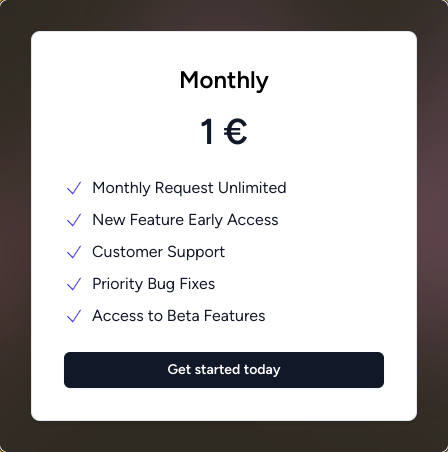
'Get started' button looking more like 'Press Me If You Can Find Me.' A white button on a cool background? Really thought outside the box there.
spicyinteractionThe 'Get started' button is meant to be a call-to-action but visually blends with the background, making it less likely to grab user attention.
Fix
Improve the button's visibility by using a contrasting color that stands out and makes users want to click it.

'Get started today'? More like 'Try finding me tomorrow'. This button blends too well into the shadows.
mediuminteractionThe call-to-action (CTA) button uses a color that lacks enough distinction from its surroundings, potentially diminishing user interaction.
Fix
Employ more striking color schemes or additional styling like borders or glow effects to make this CTA button pop.

FAQ: Frequently Annoyed with Question visibility—or is it just me? Clicking around aimlessly shouldn’t be an adventure.
spicyinteractionThe FAQ section lacks clear demarcations or interactive indicators guiding users on how to expand to read more.
Fix
Improve the FAQ interactivity with visual signals and animations that clearly indicate sections can be expanded or collapsed.
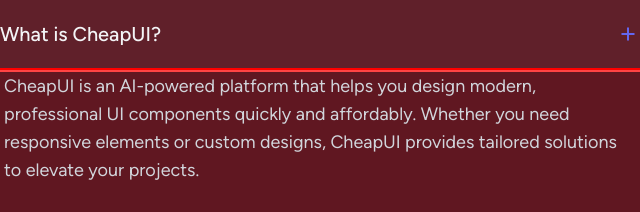
Hovering over the links feels like a thrilling sci-fi movie: nothing changes, surprise!
mildinteractionLack of visual feedback on hover states gives no indication that the links are interactive, making it non-intuitive for users.
Fix
Apply distinct hover effects such as underline, color change, or animation to indicate interactivity and encourage navigation.

Your CTAs are having an existential crisis. They're wondering if they should 'guide users' or 'be just another pixel block'.
mediumconversionThe multiple CTAs placed together without a clear focus confuse users about which action is prioritized.
Fix
Simplify the CTA section by focusing on one primary action at a time, enhancing conversion.

Your monthly plan card looks as enticing as a decade-old magazine cover—time for a refresh!
mildconversionThe design of the pricing card lacks visual flair and engagement, potentially reducing its ability to convert visitors into subscribers.
Fix
Use dynamic design features or unique styles to attract users, making offers more appealing and memorable.
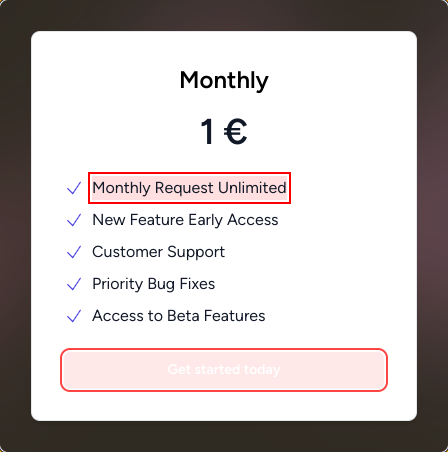
Conversion rate or a tragedy in multiple acts? At this rate, only the bold fonts are converting.
mildconversionThe page's conversion elements lack intriguing or distinguishable call-to-actions that entice users to explore further.
Fix
Add compelling CTAs with strong visual appeal and contrast to guide users towards meaningful engagement with the page content.
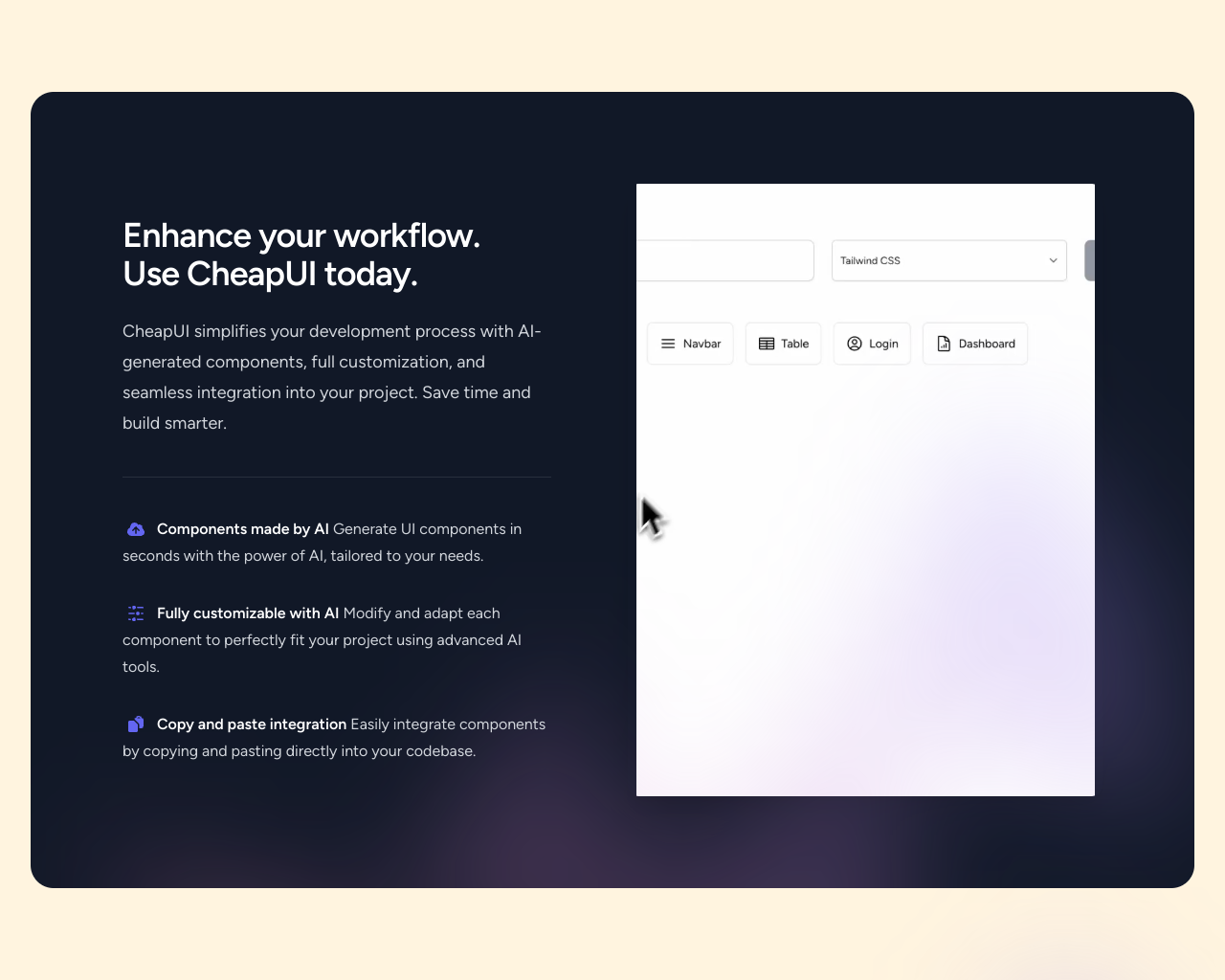
Screen readers rejoice, everyone else is in the dark. Are we broadcasting secrets here?
mediumconversionThe footer lacks visual clues or explicit information for regular users about how to engage with social links, potentially lowering conversion rates to these external pages.
Fix
Use clear icons or call-to-action descriptions instead of solely relying on invisibility cloaks like sr-only for enhanced interaction.

UX scorecard
| Metric | Score | |
|---|---|---|
| Navigation | 55 | |
| Readability | 58 | |
| Responsiveness | 62 | |
| Hierarchy | 54 | |
| Interaction | 60 | |
| Conversion | 63 |
Wins & fails
The page has a Zen-like calm; users will find inner peace seeking out interactive elements.
The dark, moody theme lends an air of sophistication—perfect for when incognito mode just isn't stealthy enough.
Perfectly unassuming hover effects: more static than the average museum exhibit.
With a color palette reminiscent of a distant winter, it keeps readers cool-headed.
The loyalty to gray hues means no unnecessary bright distractions. Who needs readability?
Unified footer design keeps secret the age-old question—am I a link, or a passive text?
Text so faint that it doubles as a vision test—keeping users' eyesight sharp.
Navigation couplets, like searching without a compass in a foggy land.
Text colors blend into a uniform album cover—Vantablack vibes without the cost.
Content hierarchy flows like an ancient labyrinth with dimly lit pathways.
Got responsive design? Surprisingly, most don't have a clue.
CTA buttons deeply committed to the 'blink and you miss it' strategy.
FAQ section so interactive that nothing actually moves.
The footer's link-list mimics a close-knit family: tightly packed, softly spoken.