

Free Resume Review Tools (That Actually Help)
 RoastGPT Team
A roundup of free resume review tools for ATS checks, content feedback, grammar, and format including RoastGPT's free resume roast, Jobscan, Teal, Grammarly, and more.
You don't have to pay hundreds for a human resume review to get useful feedback. Free resume review tools can catch ATS blockers, weak bullets, format issues, and clarity problems if you know which ones to use and what to expect from each.
This guide rounds up the best free resume review tools you can use today: what they do, what they're good at, and how to combine them so you get real value without spending a dime. We'll also show where RoastGPT's Roast My Resume fits in when you want AI-powered, recruiter-style feedback for free.
What Free Resume Tools Can (and Can't) Do
Free tools usually fall into one of these buckets:
- ATS and keyword checkers – "Will systems parse my resume? Do I have the right keywords?"
- Content and impact feedback – "Are my bullets strong? Is my summary clear? What would a recruiter think?"
- Grammar and clarity – "Are there typos, passive voice, or unclear sentences?"
- Format and structure – "Is my layout scannable? Do I have the right sections?"
No single free tool does everything. The goal is to use two or three that cover different angles: for example, a free content/recruiter-style roast plus a free ATS or grammar check. Below we'll walk through options that actually work without requiring a credit card.
1. RoastGPT – Free AI Resume Roast (Content, Impact, Recruiter Perspective)
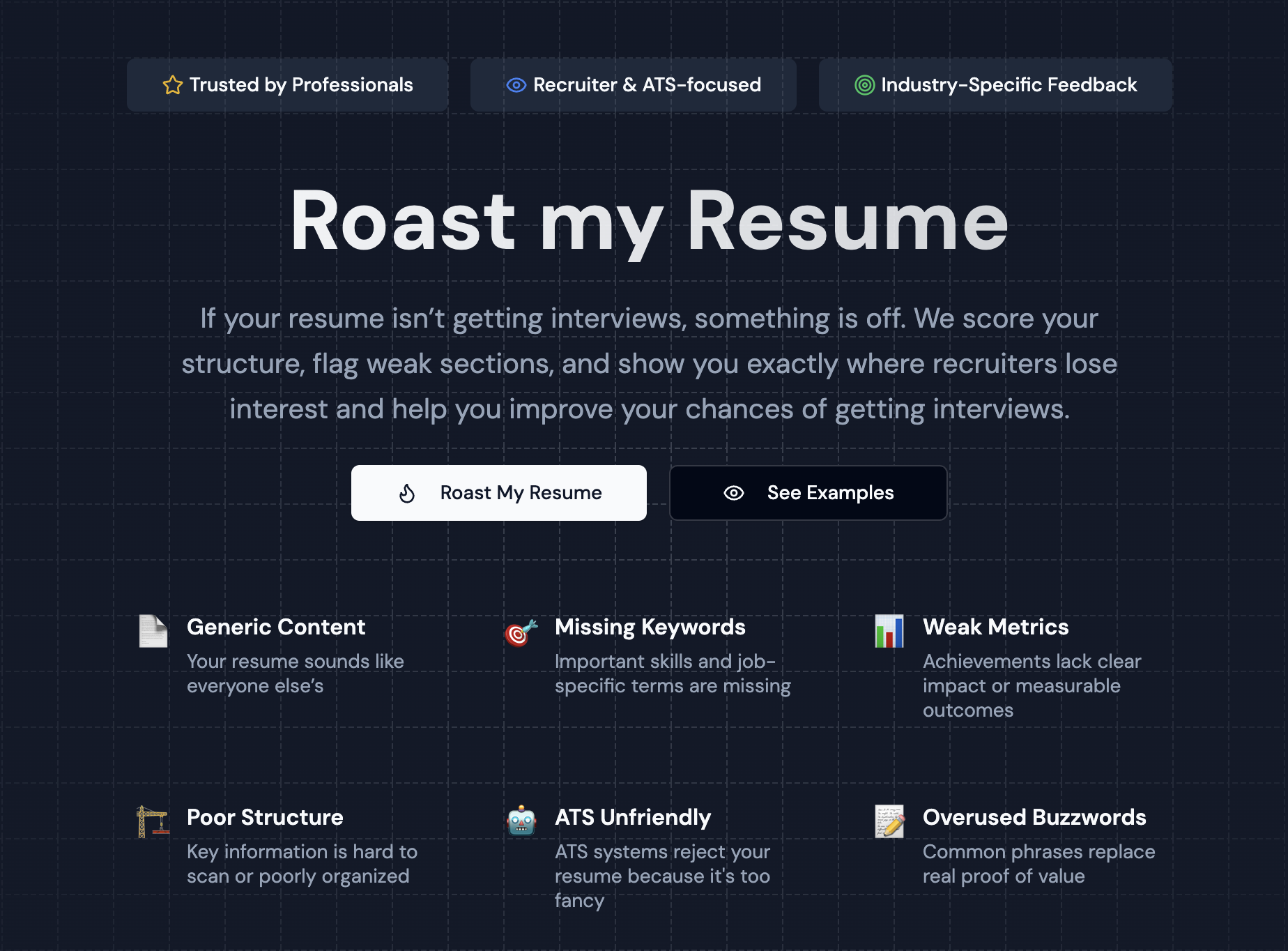
Best for: Honest, AI-powered feedback on what's weak, vague, or hurting your chances from a "recruiter" or "HR" perspective.
RoastGPT's Roast My Resume is a free resume review tool that acts like a panel of harsh-but-helpful reviewers. You upload your resume (PDF), choose a persona (e.g. Tech Recruiter, Corporate HR Manager) and industry, and get:
- Overall and category scores (e.g. technical, experience, presentation).
- Section-level feedback on your summary, experience bullets, skills, and education.
- Actionable fixes – what to change first, not just "improve your resume."
- Persona-driven commentary – so you see how a Tech Recruiter vs. a Finance Hiring Manager would read you.
The free tier gives you a limited number of roasts per day and access to key personas (e.g. Tech Recruiter). That's enough to run your resume through once or twice, fix the biggest issues, and see where you stand. No credit card, no trial that expires into a paid plan.
What it's good at: Content quality, impact (quantifying results), clarity, structure, and "would a human recruiter want to call you?" It fills the gap that raw ATS scores and keyword lists don't: why your resume isn't landing.
Limitations: Free users get a limited number of roasts per day. For unlimited roasts and all personas (Senior Developer, Finance Hiring Manager, Office Gossip Queen, etc.), you'd need Pro or credits, but for a serious free pass, the free tier is enough.
👉 Roast your resume for free →
2. Jobscan (Free Tier – ATS & Job-Description Match)
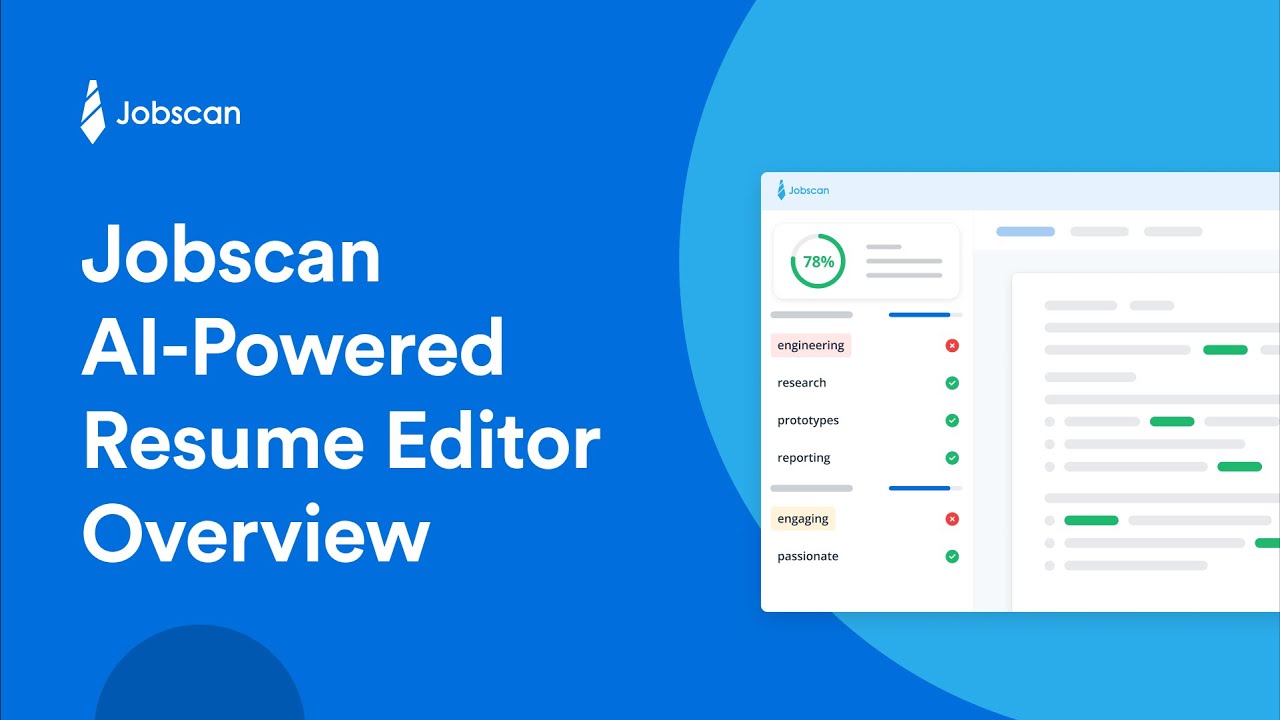
Best for: Checking how well your resume matches a specific job description and what keywords or skills are missing.
Jobscan offers a free tier that lets you:
- Paste your resume and a job description.
- Get a match score and see which keywords from the job appear (or don't) in your resume.
- See skill and keyword gaps so you can tailor your resume for that role.
It answers: "If I apply to this job, will my resume rank in the ATS and surface the right terms?" That's different from "is my content good in general?" which is where Roast My Resume comes in.
Free limits: You get a limited number of scans per month on the free plan. Use them for roles you care about most.
How to combine: Run Roast My Resume first to fix content and impact (weak bullets, vague summary). Then run Jobscan against a target job description to align keywords without turning your resume into keyword stuffing.
3. Teal (Free Tier – ATS, Keywords, Resume Builder)
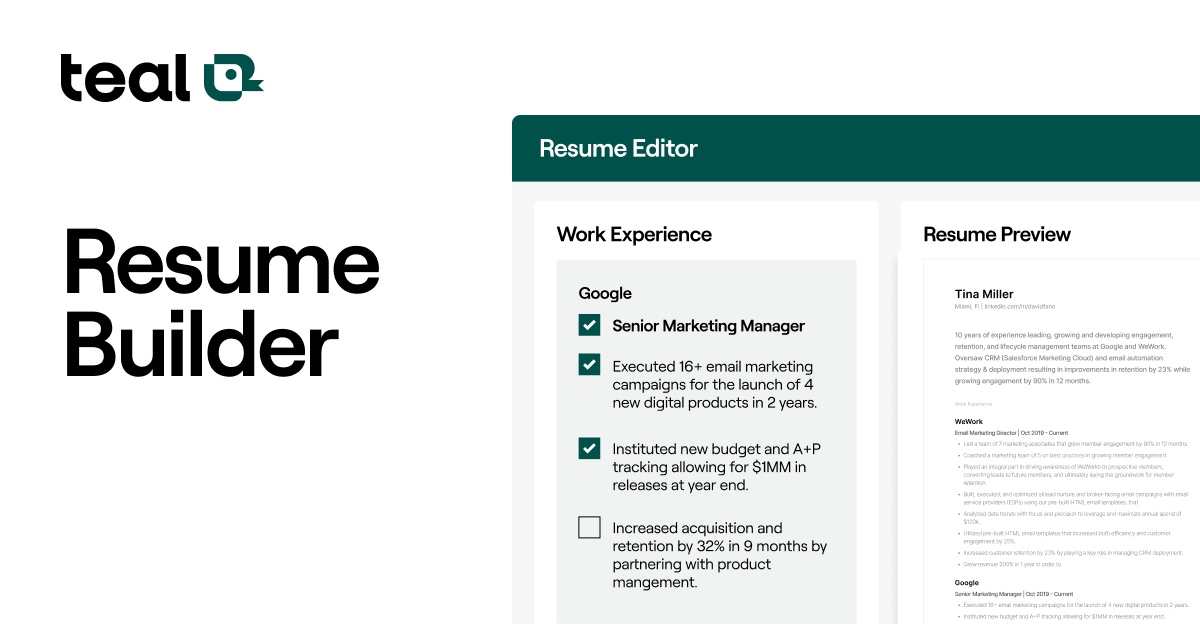
Best for: ATS-friendly formatting, keyword suggestions, and a free resume builder with basic analysis.
Teal has a free tier that includes:
- Resume checker – format, length, and section completeness.
- Job-description matching – paste a job and see how your resume aligns (similar to Jobscan).
- Resume builder – templates that are ATS-friendly so you can fix structure and export PDF.
It's useful when you need structure and keyword alignment in one place. The analysis is more "completeness and match" than "is this bullet impactful?" so pair it with a content-focused tool like Roast My Resume for the full picture.
Free limits: Teal's free plan has limits on how many resumes or checks you can run. Check their site for current caps.
4. Grammarly (Free Version – Grammar & Clarity)
Best for: Catching typos, grammar mistakes, and unclear or wordy sentences.
Grammarly's free version helps with:
- Spelling and grammar.
- Basic clarity (wordy vs. concise).
- Punctuation and consistency.
It answers: "Is my resume free of errors and easy to read?" It does not tell you if your bullets are impactful or if your summary is compelling, that's where an AI roast or content-focused tool helps.
How to combine: Use Roast My Resume to fix what you're saying (impact, structure, recruiter perspective). Use Grammarly to polish how it's written (clean, professional, error-free) before you send.
5. Google Docs / Word – Spell-Check & Readability (Built-In)
Best for: Basic spell-check and readability stats with zero signup.
If you write your resume in Google Docs or Microsoft Word, you already have:
- Spell-check and grammar (Word’s Editor, Google’s basic checks).
- Readability stats (e.g. Flesch reading ease) in Word via Options → Proofing.
They won’t give you recruiter-style feedback or ATS scores, but they’re free and immediate for catching obvious errors and run-on sentences. Use them as a first pass, then roast your resume for content and impact.
6. Resume Worded / Similar “Grader” Tools (Free Tiers)
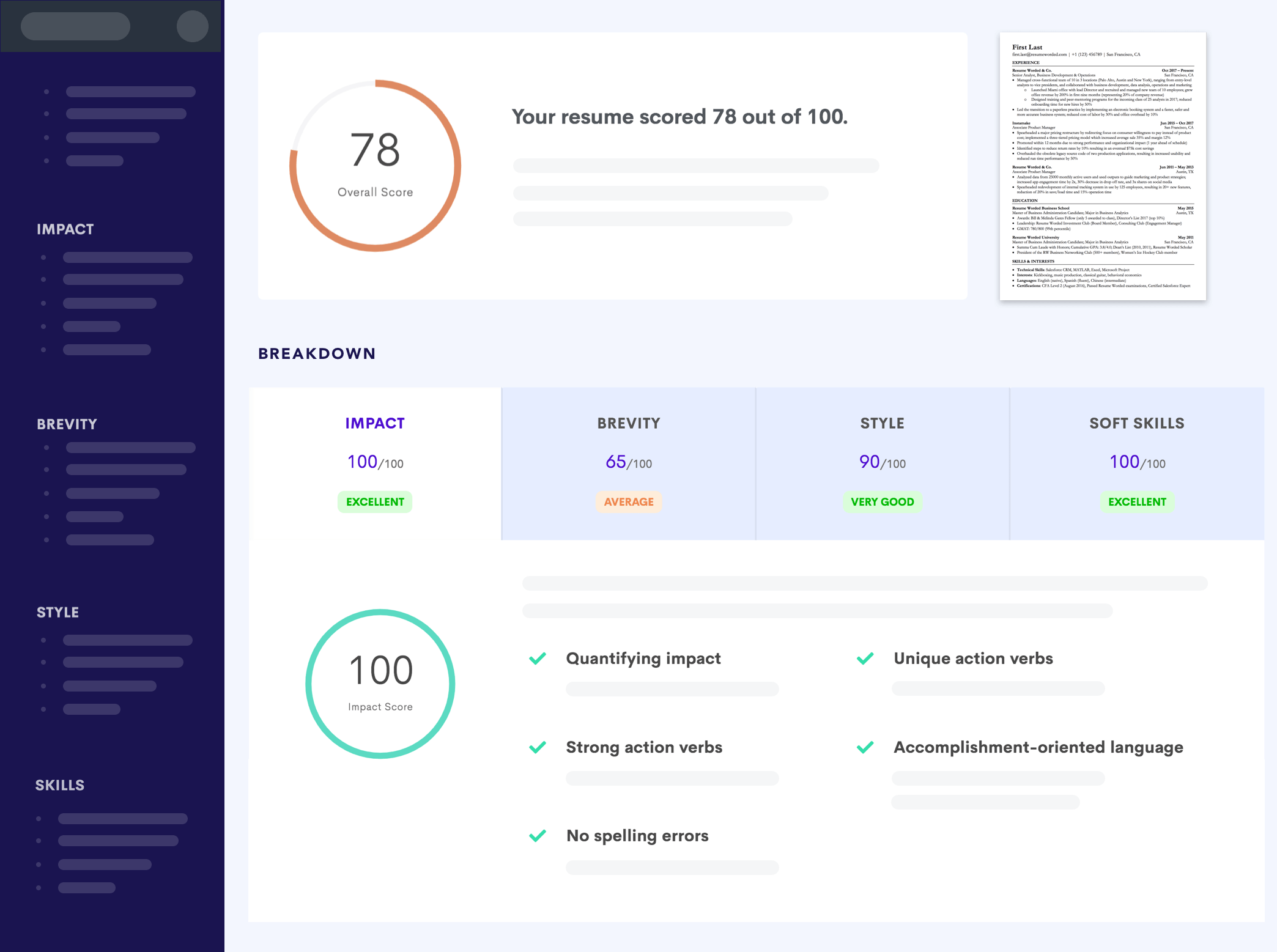
Best for: Quick scores and tips on keywords, length, and section presence.
Tools like Resume Worded (and similar “resume grader” sites) often have a free tier that:
- Scores your resume on factors like keyword density, length, and section completeness.
- Suggests improvements in short bullet form.
They’re useful for a fast sanity check (“am I in the ballpark?”). They usually don’t give deep, section-by-section feedback like a roast. For that, use Roast My Resume so you know what to change, not just that your “score” is low.
7. LinkedIn Profile Strength (Free – Consistency Check)
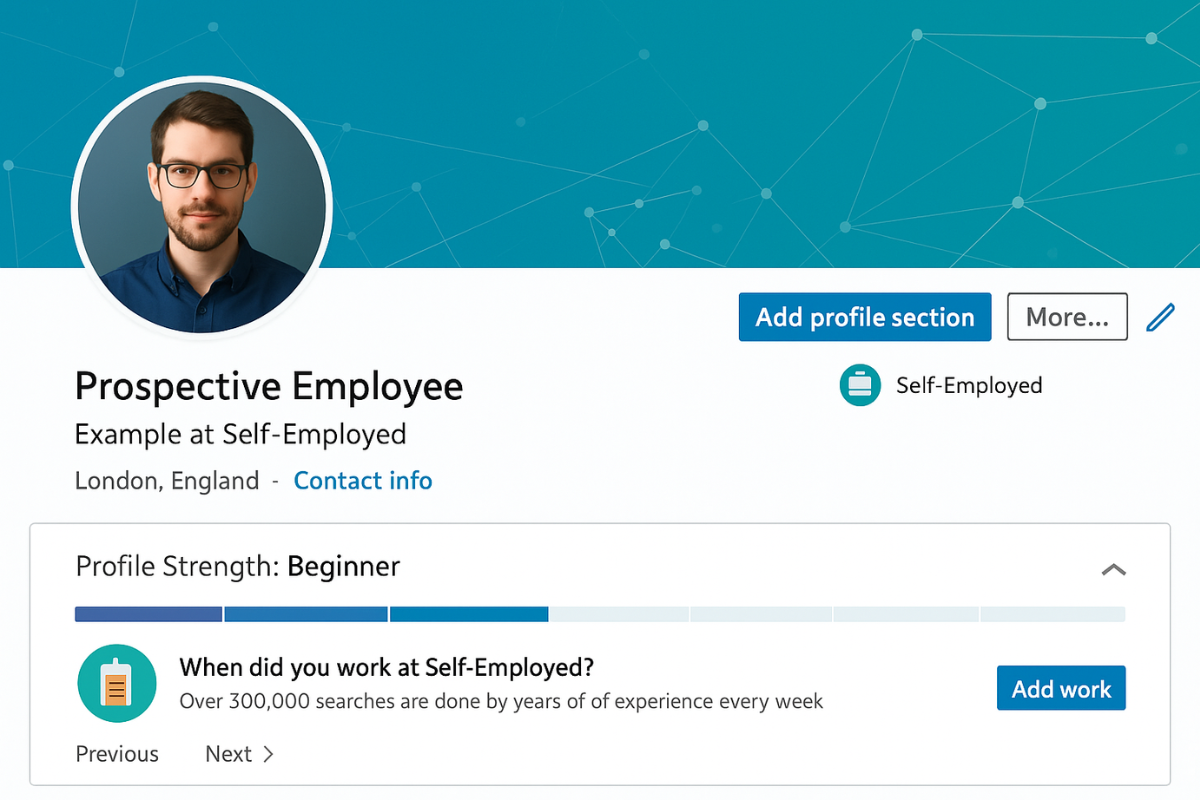
Best for: Reminding you to align your LinkedIn with your resume.
LinkedIn’s own “Profile Strength” (and suggestions in the profile editor) is free. It doesn’t review your resume file, but it helps you keep your profile consistent with the resume you send. Recruiters often look at both; mismatched titles, dates, or tone can raise red flags.
Use it as a consistency check: after you’ve improved your resume with Roast My Resume and other tools, make sure your LinkedIn headline, summary, and experience match the story you’re telling on the document.
How to Use Free Resume Review Tools Together
You don’t need every tool. A simple free stack that works:
-
RoastGPT for content and impact
- Run Roast My Resume once or twice (free tier).
- Fix weak bullets, vague summary, and structure issues the roast calls out.
-
Jobscan or Teal (free tier) for one or two target jobs
- Paste a job description and see keyword gaps.
- Add or adjust phrasing so you match the role without stuffing.
-
Grammarly (free) or built-in spell-check for polish
- Run a final pass for grammar and clarity before submitting.
-
LinkedIn (free) for consistency
- Align your profile with your updated resume so recruiters see one story.
That gives you content feedback, job-specific ATS/keywords, polish, and consistency, all with free tools. Start with the roast so you’re fixing the right things; then use ATS and grammar tools to refine and clean up.
What to Expect From Free Tiers
- RoastGPT – Limited roasts per day, core personas (e.g. Tech Recruiter). Enough for a solid first pass and a follow-up after you’ve made changes.
- Jobscan / Teal – Limited scans or resumes per month. Best used for your top 1–3 target roles.
- Grammarly – Free version covers grammar and basic clarity; premium adds style and tone suggestions.
- Resume graders – Often 1–3 free reports or a single score; good for a quick check, not deep iteration.
None of these free tiers will replace a dedicated human coach or a paid service but they can get you most of the way there if you use them in sequence and act on the feedback.
When to Start With a Free Roast
If you’re not sure where your resume is failing:
- Upload your resume to Roast My Resume (free).
- Pick a persona that matches your target (e.g. Tech Recruiter for tech, Corporate HR for corporate roles).
- Read the scores and section feedback and fix the top 3–5 issues.
- Re-run the roast (if you have free roasts left) or run it through an ATS/keyword tool for a specific job.
- Polish with Grammarly or spell-check before sending.
That way you’re not guessing, you’re fixing what the AI (and recruiter-style personas) say is holding you back. Free resume review tools work best when you use one for diagnosis (like the roast) and others for optimization and polish (ATS, grammar, consistency).
Summary
Free resume review tools can give you real value without a credit card: ATS and keyword checks (Jobscan, Teal), grammar and clarity (Grammarly, Word, Google Docs), and content and impact feedback (RoastGPT's Roast My Resume). Use a small stack roast first for content, then ATS/keywords for job fit, then grammar for polish and you’ll cover what matters most. Start with a free roast to see what’s actually hurting your chances, then layer on the rest.